


Table of Contents
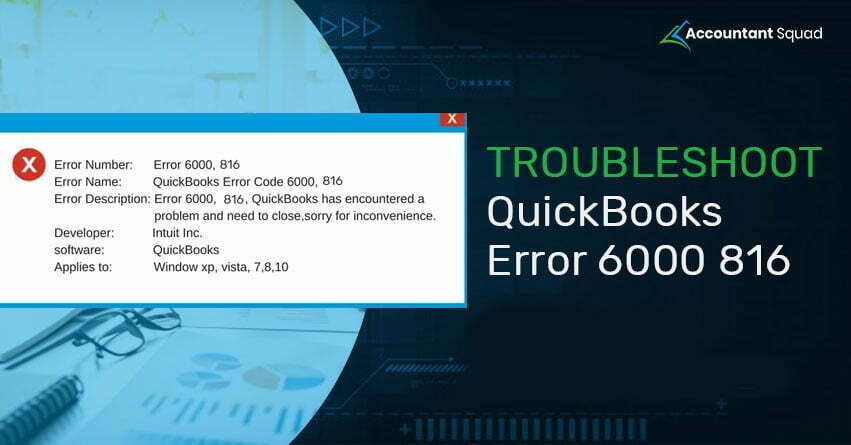
QuickBooks Error 6000 816 is a common error that generally appears when the QB user is unable to open the company file and an error message pops up on your screen “QuickBooks was unable to open the company file because the file is in use” or “Unable to open a company file”. This error has multiple causes from which only one cause can’t be resolved that is related to Microsoft Windows Vista.
Causes behind QuickBooks error -6000,-816
We have defined all the possible causes that can be responsible for the occurrence of QuickBooks Error -6000, -816 as follows:
- When the company file is damaged.
- If the company file (.qbw) is used by third-party backup software.
- Due to restoring or opening a company file on a computer running vista, you may encounter QuickBooks Error Code 6000 816.
- If the company file is placed in a Microsoft Windows home server edition with multiple hard disks that are not maintained. (Unresolvable)
- The damage in QB installation may also cause QuickBooks -6000, -816 error.
You May Also Read - How to Open Qbw File without QuickBooks?
Solutions to resolve QuickBooks Error 6000 816
The best way to troubleshoot QuickBooks Error 6000 816 is to download and install the QuickBooks File Doctor before applying the solutions written below. If you are still getting QB Error Code 6000 816 then, go through the following troubleshooting solutions to get rid of the same:
Solution 1: Retitle the.ND and . TLG files
- Open the folder that has the company file.
- Search for the same name file as the company file and with.ND and . TLG
- Now, select Rename and type . Old at the end of each name.
- Re-open QuickBooks.

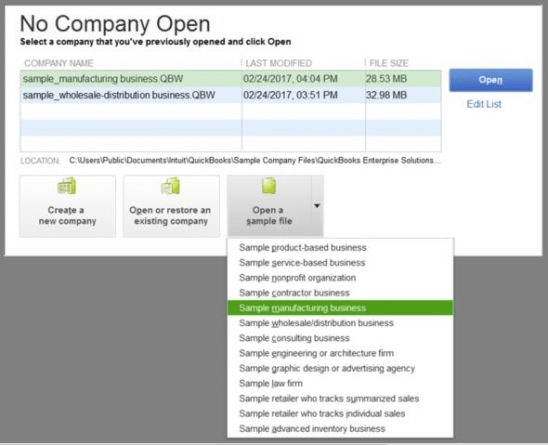
Solution 2: Open a sample file
- Select ‘No Company File’ and click on ‘Open Sample File’.
- Then, select from the sample company files.
Solution 3: Copy the backup Company files of QuickBooks on the Desktop
- Open the folder that has the company file.
- Search for the file with the extension.
- Then, right-click and select ‘Copy’.
- Paste it on the Desktop.
- Press the Hold key and start QuickBooks simultaneously so that No company Window
- Choose Open or Restore Existing Company.
- Open the copied file on the Desktop.
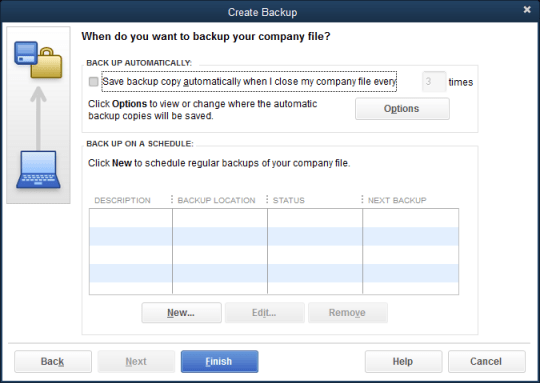
Solution 4: Restore the backup of the company file
If you cannot open the company file, restore the backup of the company file that will help you find the problem with the current company file.
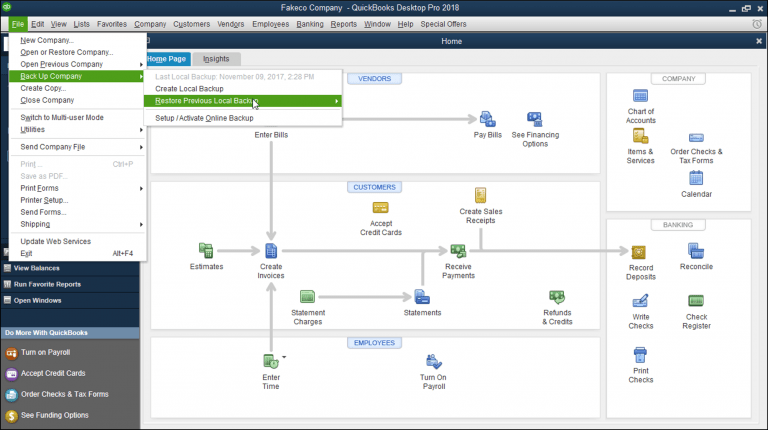
Solution 5: Restore the Backup by using ADR (Auto Data Recovery)
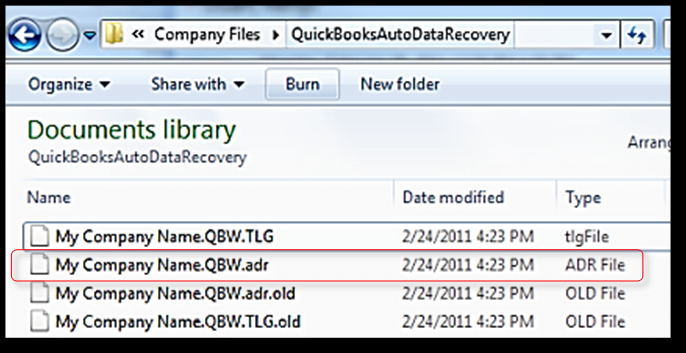
You can also restore the backup of the company file with the help of QuickBooks Auto Data Recovery.
In case, the above solutions did not guide you to fix QuickBooks Error 6000 816 on your own and you want more information to resolve the issue. Quickly dial QuickBooks help number 1-855-857-0824 and speak to the team of certified experts.


